

Images can make a web site more interesting, but they take longer to load then text. The larger the image and/or higher its resolution, the longer loading will take. Here are some things to remember when adding images to your web page. Netscape and Internet Explorer can only display .gif and .jpg (.jpeg) files. Generally .gif's are better for drawings and .jpg's are better for photos, but this is not always the case so it's recommended that you save your image in both formats to see which works best for your image. This also lets you compare the image's file size as a .gif and .jpeg. If you have a large image or lots of images you may want to consider using thumbnail images so that users can preview an image before loading them.
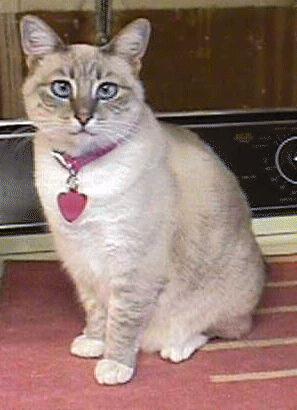
I added the picture on the right to my web page by saving the file sheeba.jpg to the same directory
as my web page file (i.e. my floppy disk) and then putting the tag
<IMG SRC="sheeba.jpg"> in my web page's source code. Notice that because the .jpg and
my web page are in the same directory I do not have to specify the image's actual location. The
browser searches the directory where my web page is stored to find the image file's "relative
location." This is a handy technique to use because images with relative locations don't have to be
updated when the web page is moved to a new server. The browser "knows" the image files' relative
location is the same as the web page's new directory.
I can also create links to images not in my web page's directory by using use anchor tags <a>
& <a/>. To do this I need to know what the "URL"(universal resource location) is for the
image I want to link to. For instances I created a link called
Odie Dog for the image file
ODIOUS.JPG by using the anchor tag below:
<a href="http://members.tripod.com/~sacto/eva/ODIOUS.JPG">Odie Dog</a> When you
click on this link the browser goes out to http://members.tripod.com/~sacto/eva/ and retrieves the
image odious.jpg.
As the name suggests, thumbnail images are small pictures. They load more quickly than larger pictures. When a web browser opens your web page, it only loads the thumbnail. After viewing the thumbnail image if the user wishes to see the full size version they simply click on the thumbnail picture to open the large version of the image. This allows people visiting your web page a chance to choose whether they want to take the time to download the full size images.